Besides the Queue, the field app has tabs for live totals, every ticket, and alerts.
Totals
Totals answers "how much have we hauled?" for Today, This Week or the last 30 Days.
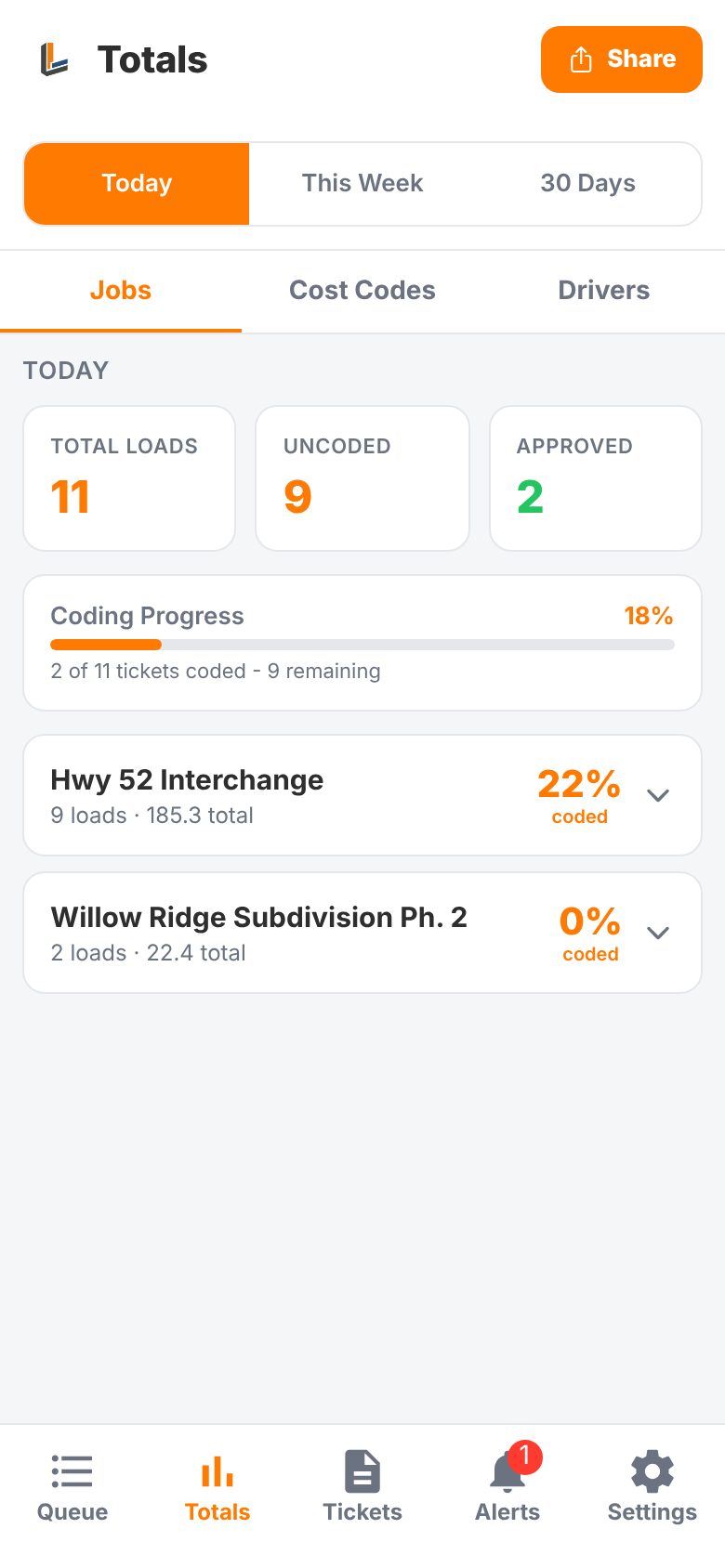
- Jobs: loads and quantity per job, and how much of each is coded. Tap a job to see its materials, or to jump to its uncoded loads in the Queue
- Cost Codes: quantity per cost code
- Drivers: loads per driver and truck
Tap Share to send the totals as a spreadsheet (CSV) by text, email or any app on your phone.
Tickets
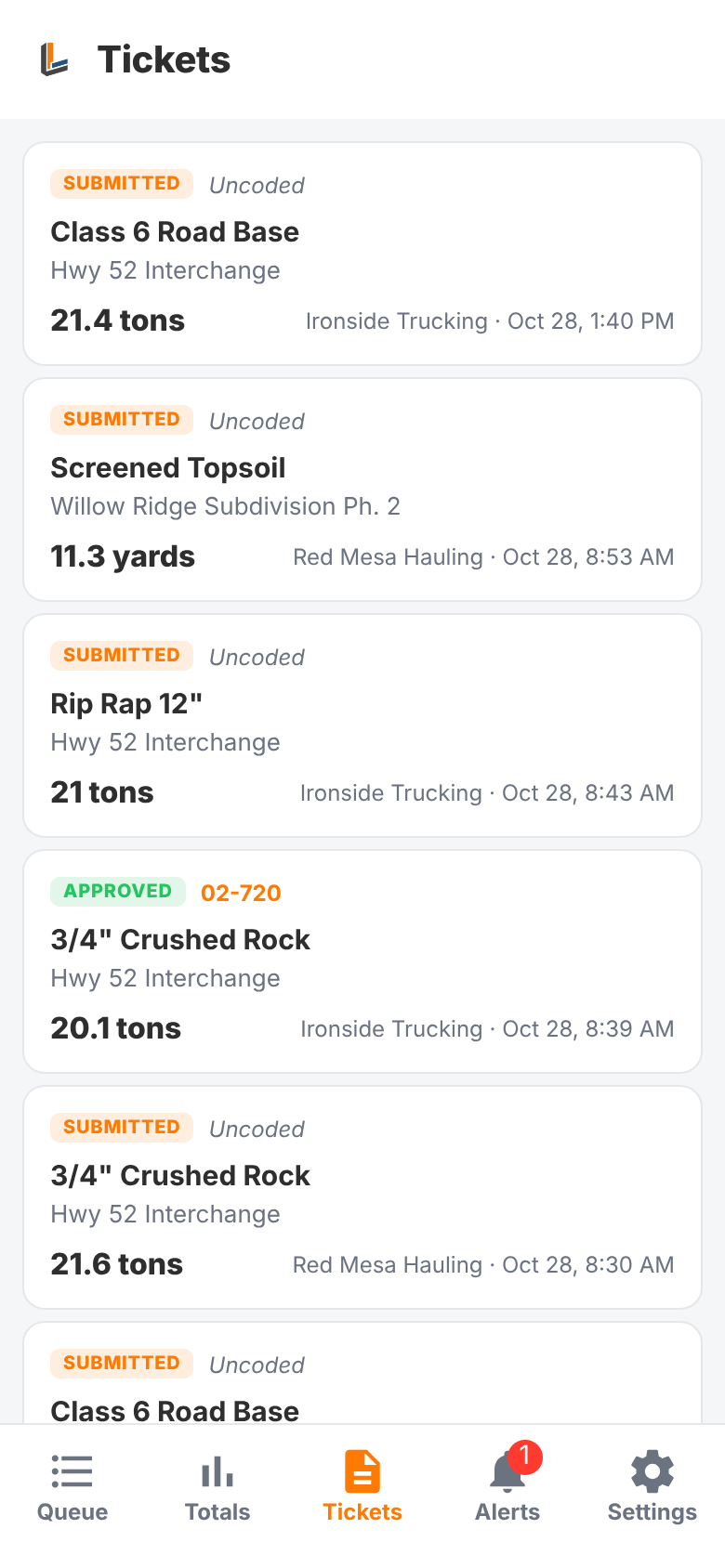
Tickets lists every load, coded or not, with its status (submitted, approved, flagged) and cost code. Tap one to open it.
Alerts
Alerts collects your notifications, such as new tickets submitted and trucking companies asking to link to you. The red number on the tab is how many you haven't read. Tap an alert to open what it's about.
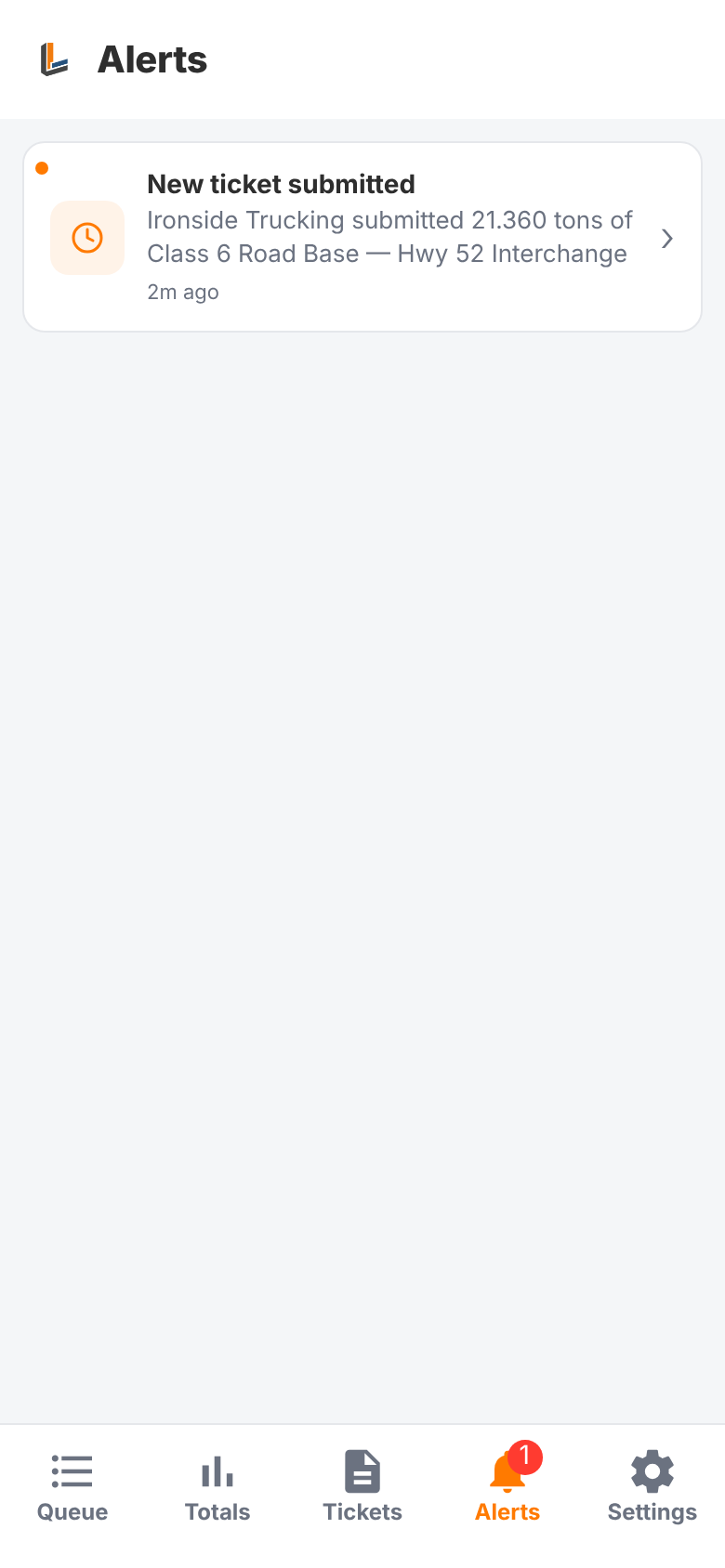
If you allow notifications when the app asks, you'll also get these as push notifications on your phone.
Settings
Settings shows who you're signed in as, your company and your role. Open Audit Trail shows who coded, approved, flagged or edited what, and when. Sign out from here too.