LoadLedger replaces paper haul tickets. Drivers log every load on their phone with a photo of the scale ticket and a GPS stamp, and the office reviews, codes and approves those loads from a web dashboard the same day, not at the end of the month.
The problem it solves
Paper haul tickets get lost, wet, miscounted, or never make it back to the office. By the time you're billing a job you're matching handwritten notes against a pile of carbon copies, if they survived the week at all.
LoadLedger captures each ticket the moment the load is hauled, with the pit's ticket number, a photo and GPS, so the count is right and every load has proof behind it.
The three apps
The driver app (phone): drivers sign in with a company PIN, no email or password. Each load takes about a minute: photo of the scale ticket, pick the pit, material and job, enter the quantity, submit. It works without signal and uploads when the phone reconnects. See Logging In as a Driver.
The field app (phone, for superintendents and the field office): a queue of the day's loads to code and approve, with live totals by job, cost code and driver. See Using the Field App.
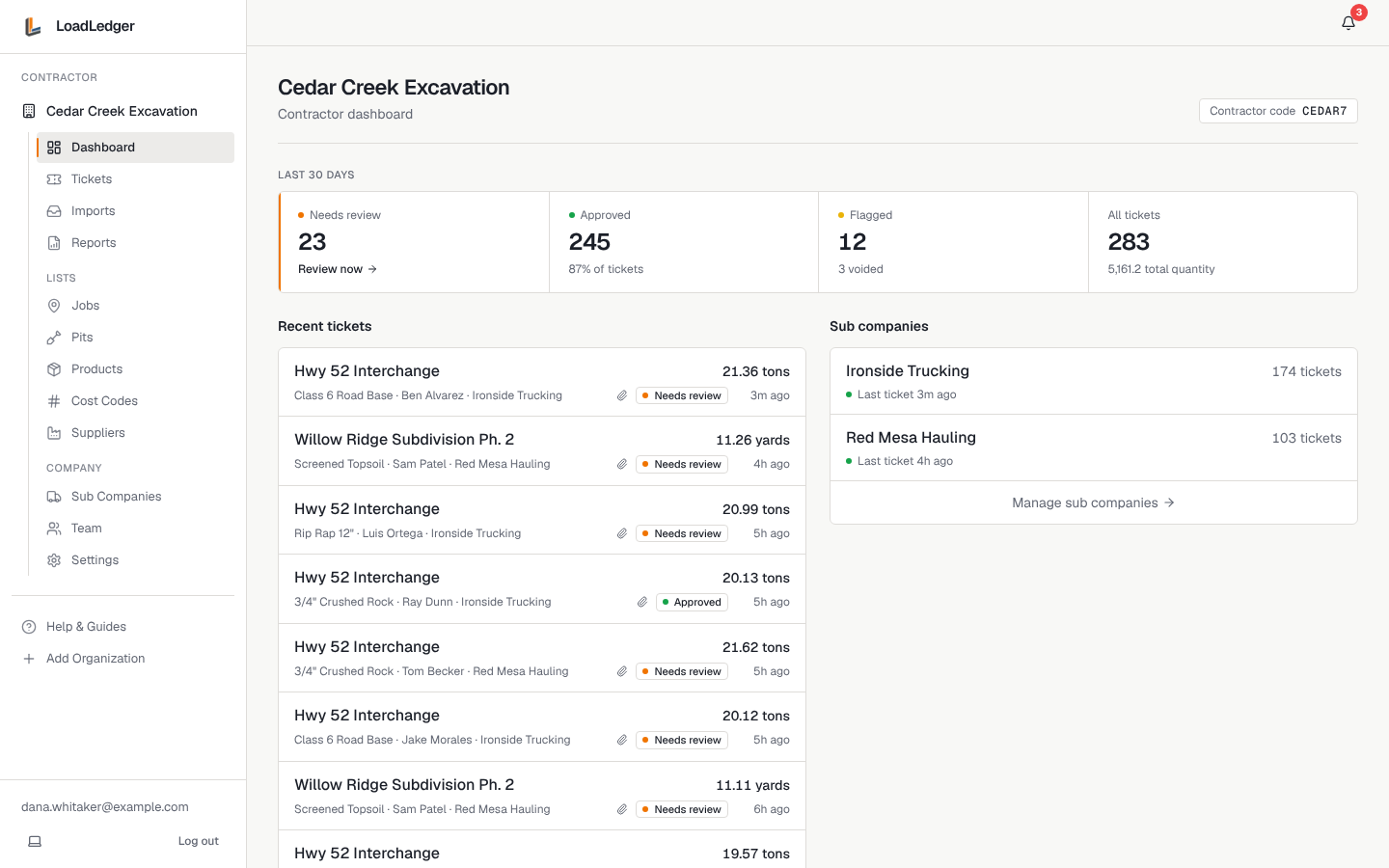
The web dashboard (computer): where the office reviews and approves tickets, runs load reports, exports CSVs, and manages jobs, pits, materials, cost codes, the team and trucking subs. See Reviewing and Approving Tickets.
Who uses it
- Contractors (excavation, site work, paving, utilities) who hire trucks to haul material in or out and need an accurate, approved count per job and cost code
- Trucking companies and owner-operators (sub haulers) who haul for those contractors. Their account is free: they manage their own drivers' PINs and see every ticket their trucks submitted. See Running a Trucking Company on LoadLedger
- Superintendents and project managers who want to see what's been hauled today without calling around
How a load flows through LoadLedger
- A driver hauls a load and submits the ticket from the driver app
- It appears on the contractor's dashboard and field app as Needs review
- A superintendent assigns a cost code (in the field app or on the web)
- The office approves it, or flags it with a note if something's off
- Approved loads roll up into reports by job, material, pit, trucking company and driver, ready to check against the pit's invoice